Loom and Screen Studio rarely compete for the same job. Loom records your screen and camera, uploads it, and hands you a shareable link in the time it takes to stop recording — it's built around speed and workplace integrations like Slack, Jira, Salesforce, and Figma. Screen Studio records locally and is built around one output: a cinematic, professionally polished product demo, with automatic cursor-following zoom and motion design applied after the fact.
Platform is the first practical difference: Loom runs on web, desktop, and mobile (iOS and Android), so it works wherever your team already is. Screen Studio is macOS-only, with no near-term Windows version — its team has said a Windows build would require a full rewrite.
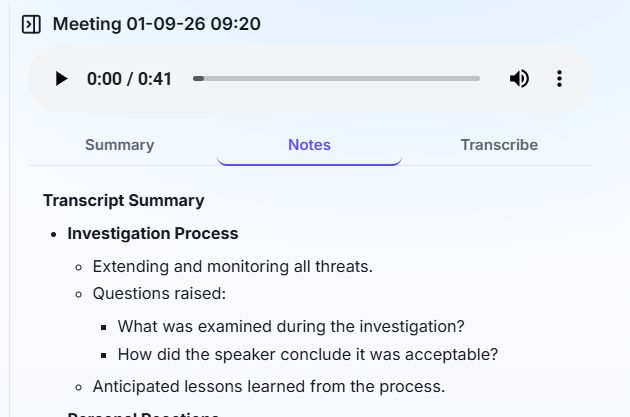
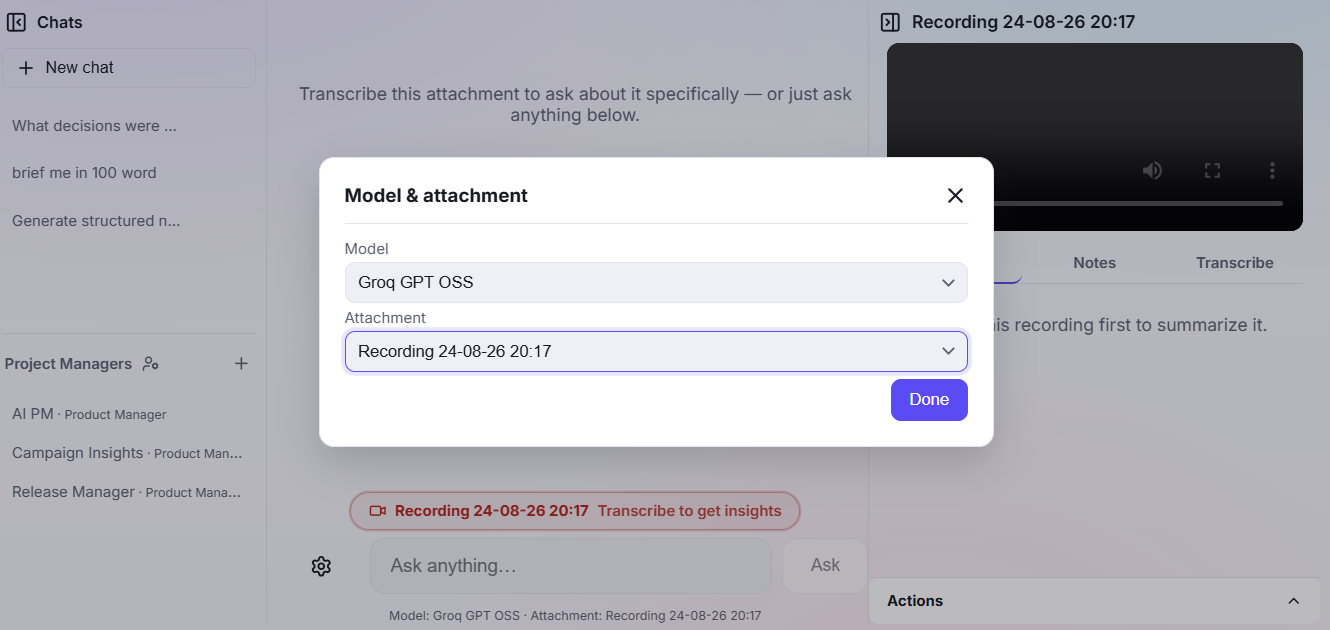
Loom's AI layer — transcripts and summaries — is gated behind its "Business + AI" plan and processed in the cloud. Screen Studio has no transcription or summarization layer at all; it's purely a recording and editing tool for output quality, not for understanding what's in the recording.
If you need to reach people fast with a working link, Loom's sharing workflow wins. If the recording itself needs to look like a produced demo — zoom, motion, polish — Screen Studio's editing is purpose-built for that in a way Loom's isn't.