AI summary
Quick read
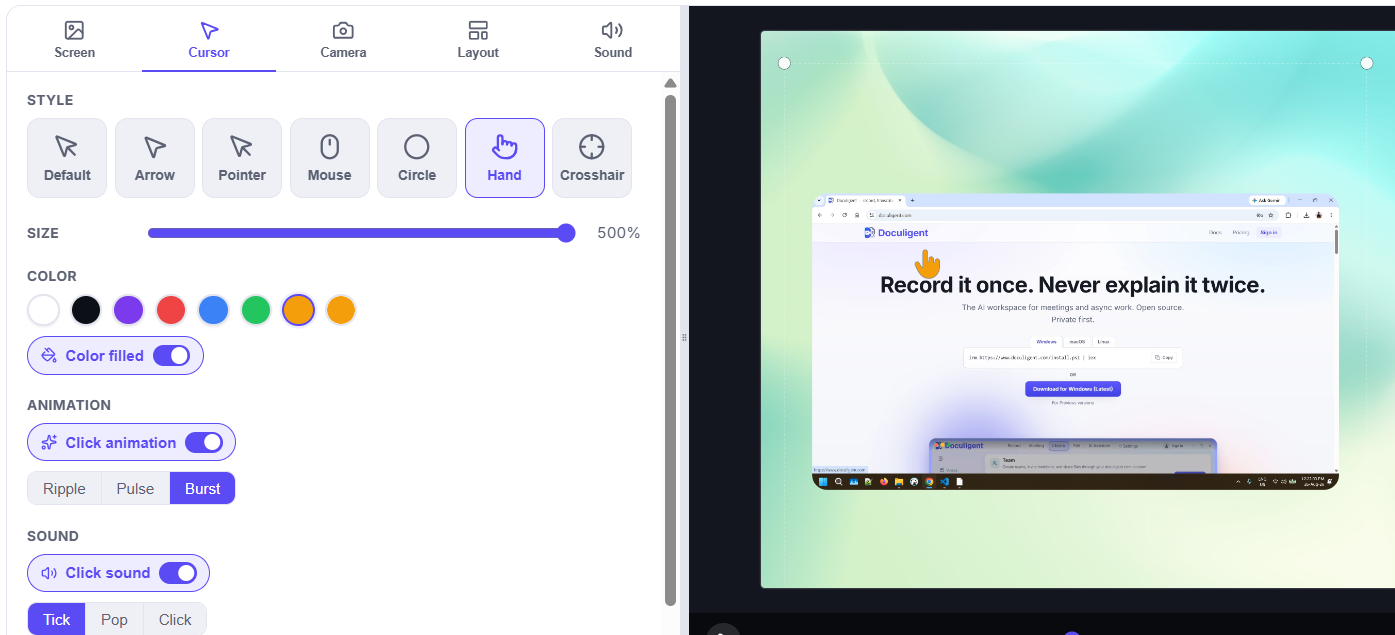
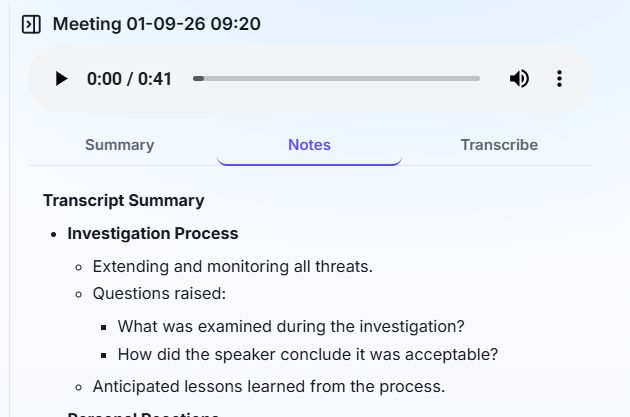
- Doculigent: Doculigent is a local-first desktop recorder: screen + camera capture, on-device transcription, AI summaries, and chat-with-video, with recordings staying on your machine unless you share them.
- Loom: Loom is async video messaging built for fast workplace communication — record a quick clip, upload it, and send a link, with deep integrations into tools like Slack and Jira.
- Doculigent wins on: Recordings stay on your machine
- Loom wins on: You need deep workplace integrations
What is Doculigent vs Loom?
What is Loom?
Loom is async video messaging built for fast workplace communication — record a quick clip, upload it, and send a link, with deep integrations into tools like Slack and Jira.
What is Doculigent?
Doculigent is a local-first desktop recorder: screen + camera capture, on-device transcription, AI summaries, and chat-with-video, with recordings staying on your machine unless you share them.
Platform & openness
| Capability | Doculigent | Loom |
|---|---|---|
| Open source | ||
| Windows | ||
| macOS | ||
| Linux | Chrome extension only, no native Linux app. | |
| Cloud dependency |
Feature comparison
| Capability | Doculigent | Loom |
|---|---|---|
| Screen recording | ||
| Camera overlay | ||
| Local-first recording & storage | Loom recordings are captured then uploaded to Loom's servers as part of the core workflow. | |
| On-device transcription | ||
| Speaker-separated transcription | Loom's transcripts aren't split by speaker natively. | |
| AI summaries | Plan-dependentGated behind Loom's "Business + AI" plan. | |
| Chat with recordings | Not a native Loom feature. | |
| Email sharing (transcript + summary attached) |
Frequently asked questions
Is Doculigent a free Loom alternative?
Doculigent has a free tier that includes screen + camera recording and local transcription and summaries — see the pricing page for current limits.
Can Doculigent record my screen and camera like Loom?
Yes — Doculigent records your screen with a camera overlay in one pass, at full resolution.
Does Doculigent upload recordings automatically the way Loom does?
No. Recordings stay on your device by default. Doculigent only uploads a recording when you explicitly share it by email.
Does Doculigent transcribe recordings locally?
Yes — transcription is diarized (speaker-separated) and runs on-device, so audio doesn't need to leave your computer to get a transcript.
Is Doculigent open source?
Yes, Doculigent is open source — the code is public on GitHub.
Can I share Doculigent recordings the way I share a Loom link?
Yes — email the recording to another person or your team, with the transcript and summary attached.