Swap the cursor's style — Default, Arrow, Pointer, Mouse, Circle, Hand, or Crosshair — resize it up to 500%, recolor it from a preset palette or with Color filled toggled on, and add Ripple, Pulse, or Burst click animation with a Tick, Pop, or Click sound effect so clicks read clearly in the final export.
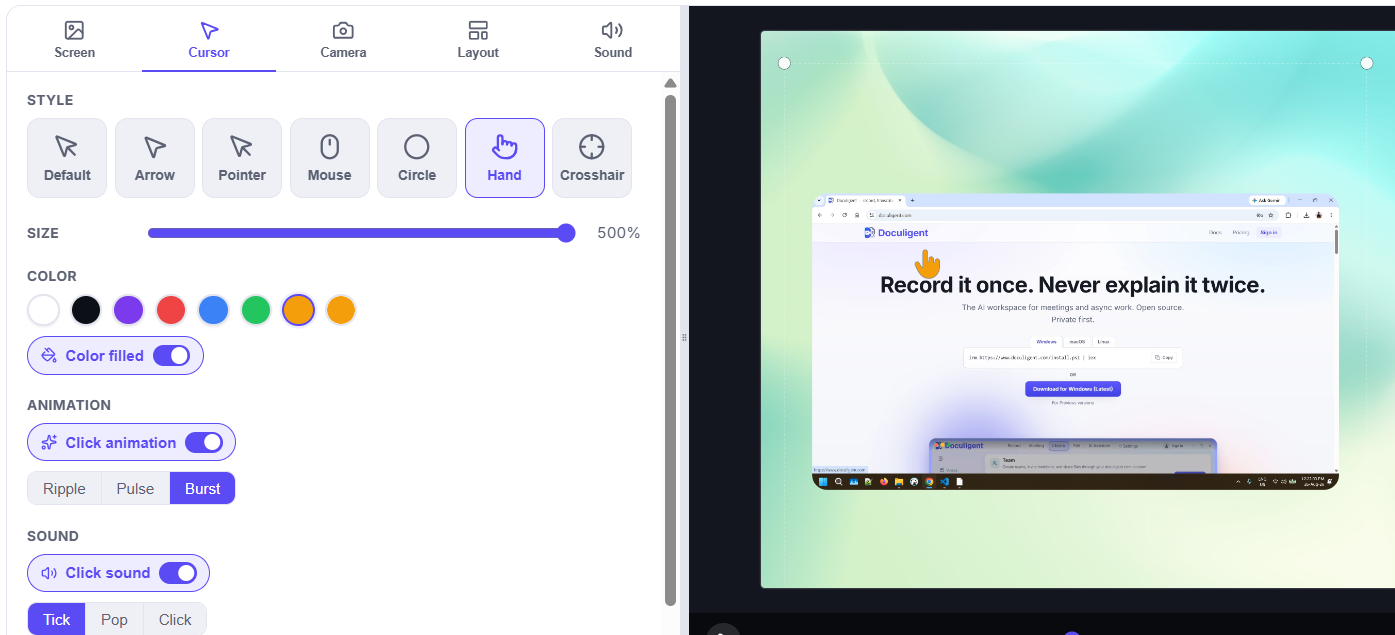
Restyle the cursor and click highlights after recording, from a dedicated Cursor panel in the Timeline Editor.
Related features

AI summaries
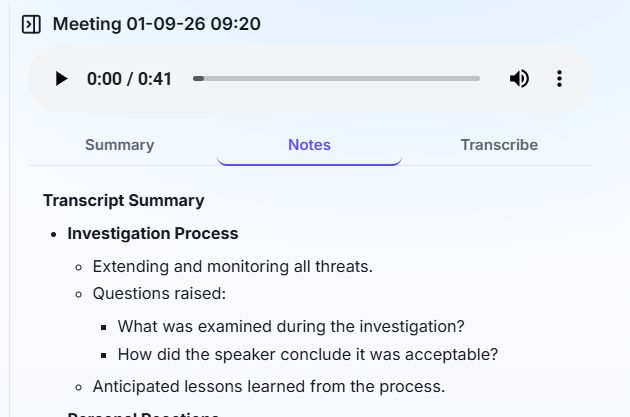
Record your meeting, or drop in a video file, and Doculigent automatically generates a summary and notes — no prompting required.

Chat with video
Ask questions about any recording — like "what decisions were made" — and get the answer back as a table, with a jump to the moment it happened.
Related posts

How to chat with a video
Ask questions about anything that happened in a recording and jump straight to the moment it happened — here's how Doculigent's AI Assistant works.

How to annotate or draw on screen while recording
Doculigent lets you mark up your screen live — circle a chart, drop an arrow, highlight a line — without pausing or leaving the recording. Here's how it works.