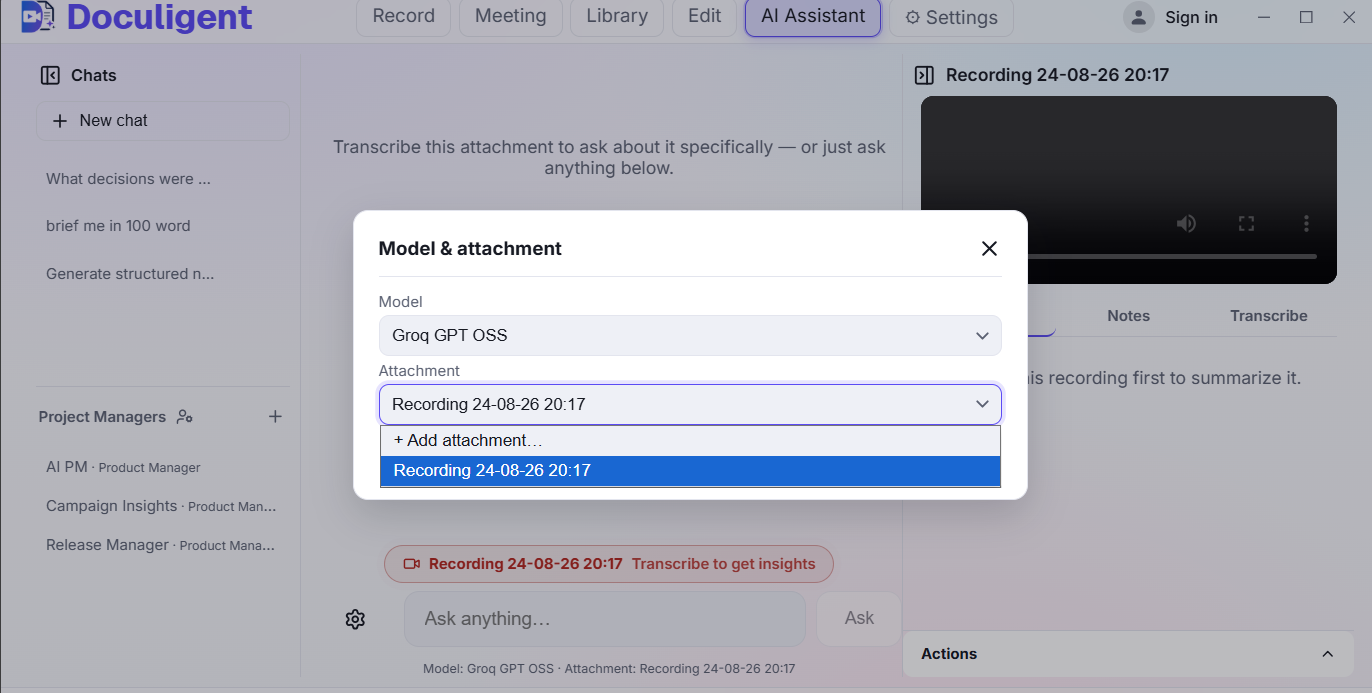
Once a recording has a transcript, you don't have to scrub through it to find the part you need. Open the AI Assistant, ask a question in plain language, and Doculigent answers and jumps straight to the relevant moment.
Past conversations are kept in a Chats list down the side, so a question you asked last week — "what decisions were made," "brief me in 100 words" — stays there to revisit instead of re-asking it against the transcript from scratch.
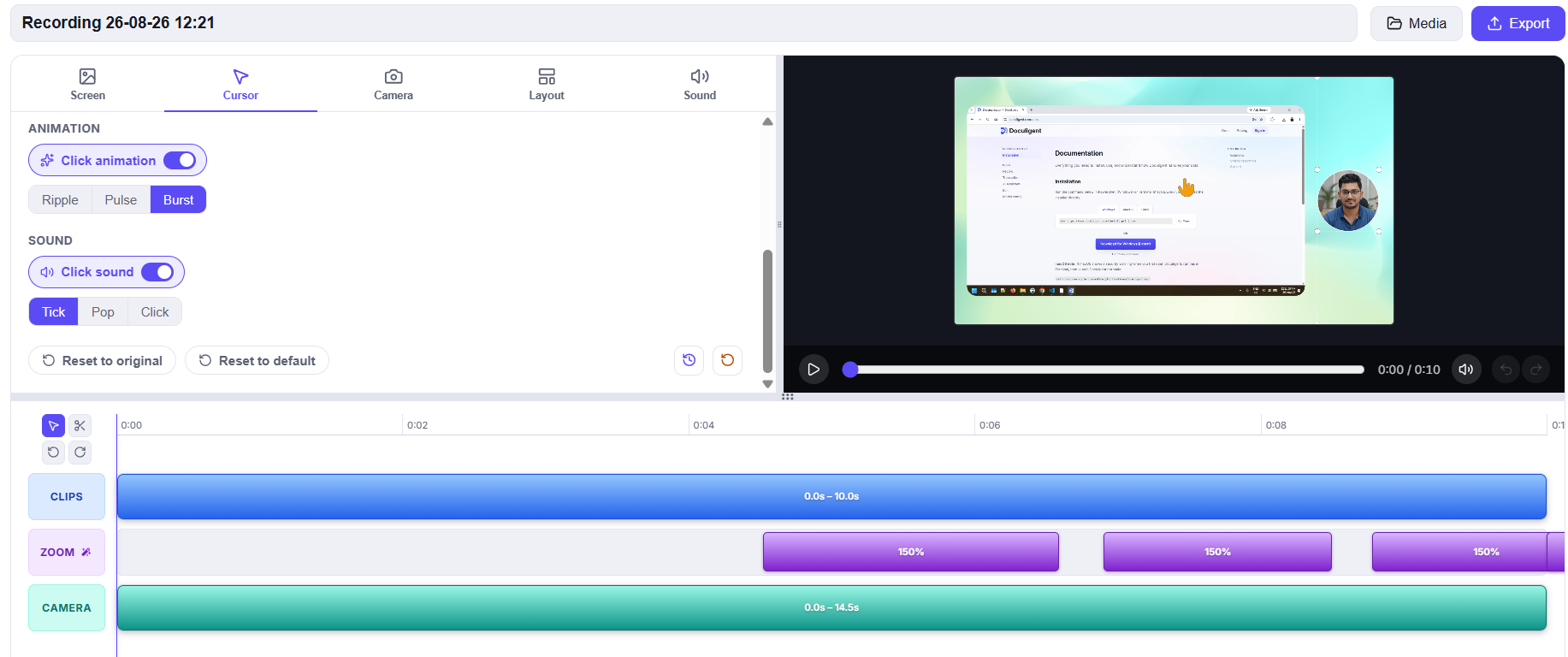
Chat sits right alongside Notes and Transcribe on the same recording panel, next to the video itself, so asking a question and watching the moment it answers from is one screen, not a switch between tools.