Pick Doculigent Cloud, your own S3 bucket, or Google Drive as your default — use storage you already pay for instead of another subscription, and share a demo or a bug straight from it with teammates or a client.
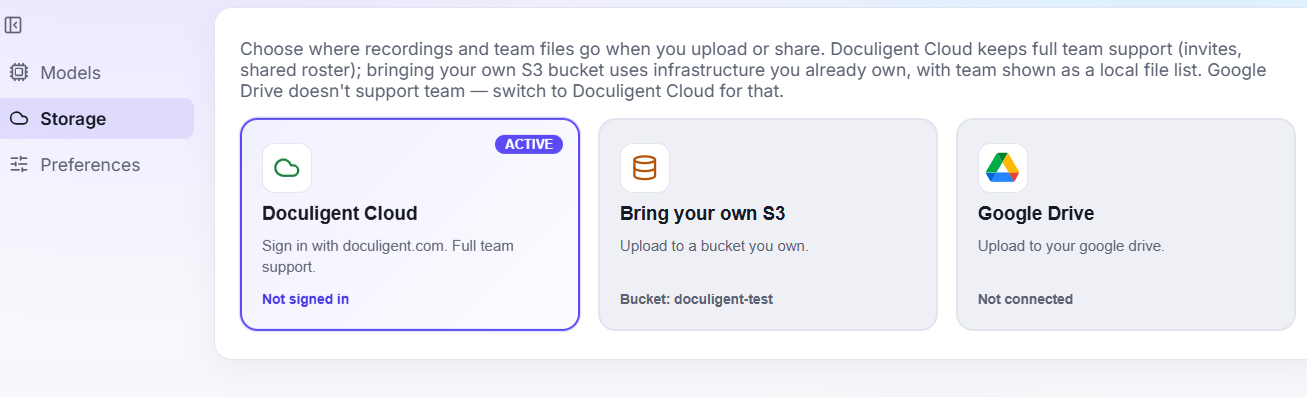
Store recordings and shared files in Doculigent Cloud, your own S3-compatible bucket, or Google Drive.
Related features

Advanced recording & editing
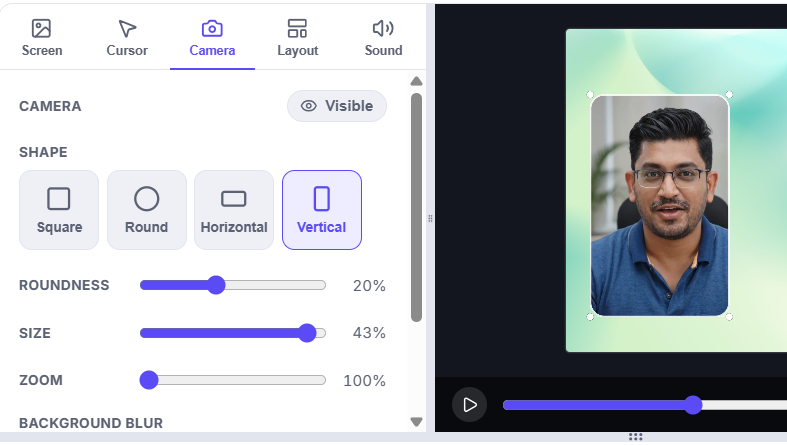
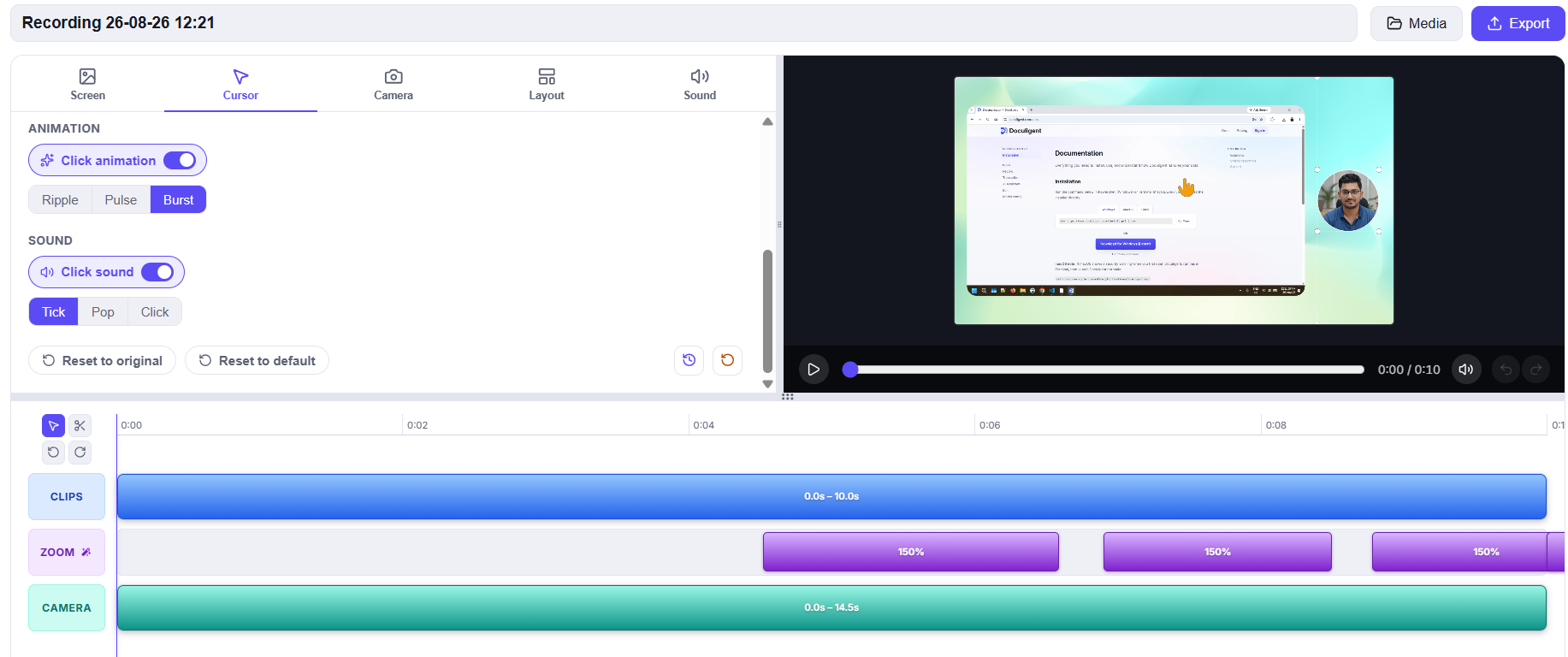
Record in Advanced mode to keep screen, camera, and cursor as separate editable tracks, then polish them in the Timeline Editor with auto-generated zoom, camera and cursor styling, and a one-click reset back to the original recording.

Camera bubble
Mirror, resize, reshape, and freely reposition the camera bubble while you record.
Related posts

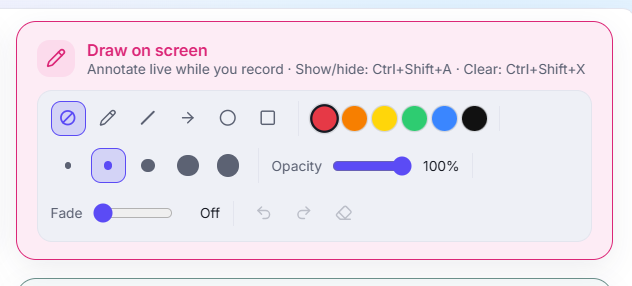
How to annotate or draw on screen while recording
Doculigent lets you mark up your screen live — circle a chart, drop an arrow, highlight a line — without pausing or leaving the recording. Here's how it works.

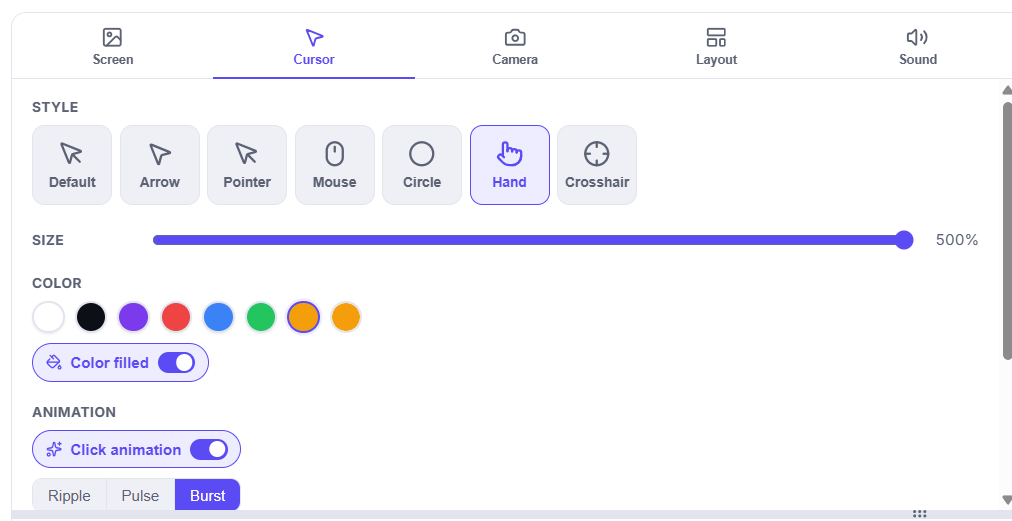
How to customize your cursor after recording
Doculigent's Timeline Editor gives you a dedicated Cursor panel to restyle appearance and click highlights after the fact — here's how to use it.