Guides for recording, editing, and understanding with AI Intelligence
Practical guides and behind-the-scenes notes on getting more out of Doculigent — from your first recording to AI-powered transcripts and summaries.
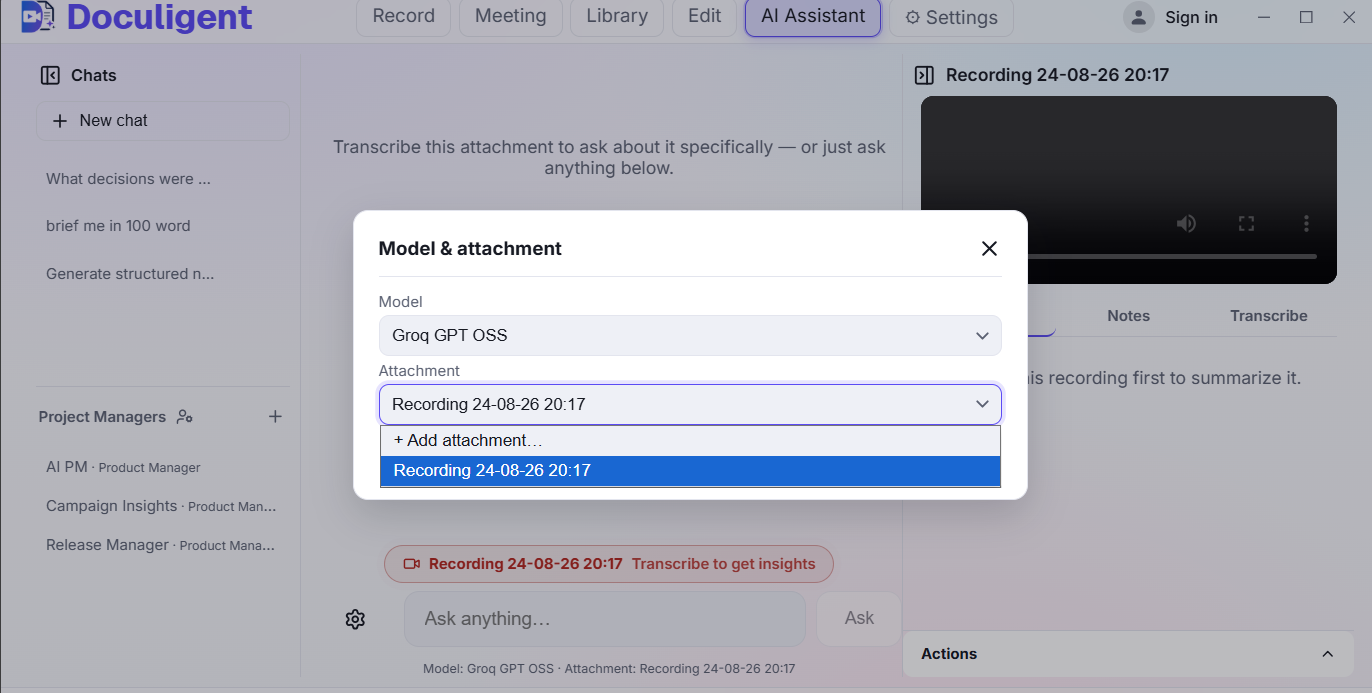
How to chat with a video
Ask questions about anything that happened in a recording and jump straight to the moment it happened — here's how Doculigent's AI Assistant works.
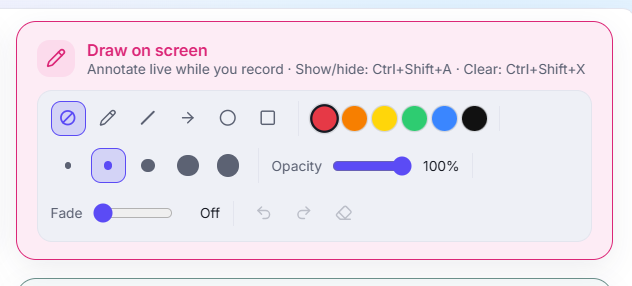
How to annotate or draw on screen while recording
Doculigent lets you mark up your screen live — circle a chart, drop an arrow, highlight a line — without pausing or leaving the recording. Here's how it works.
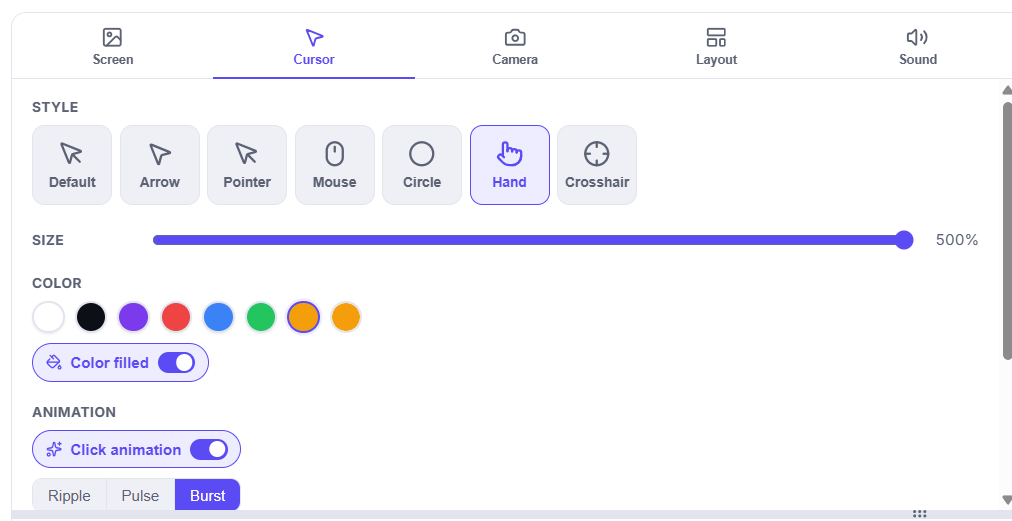
How to customize your cursor after recording
Doculigent's Timeline Editor gives you a dedicated Cursor panel to restyle appearance and click highlights after the fact — here's how to use it.