AI summary
Quick read
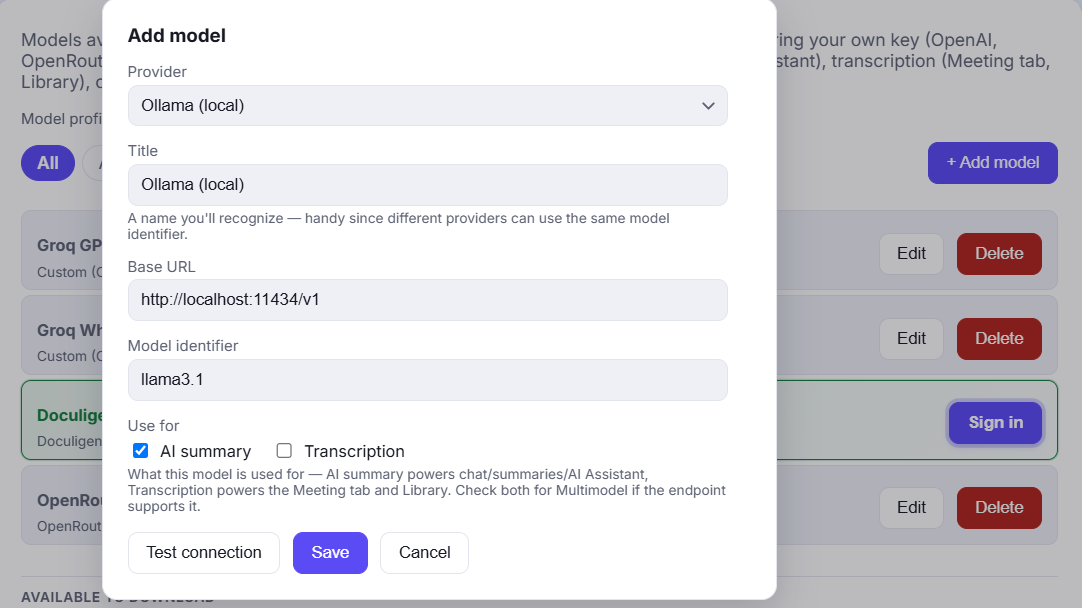
- Doculigent: Doculigent pairs local-first recording with on-device transcription, AI summaries, and chat-with-video — the AI layer runs on your machine.
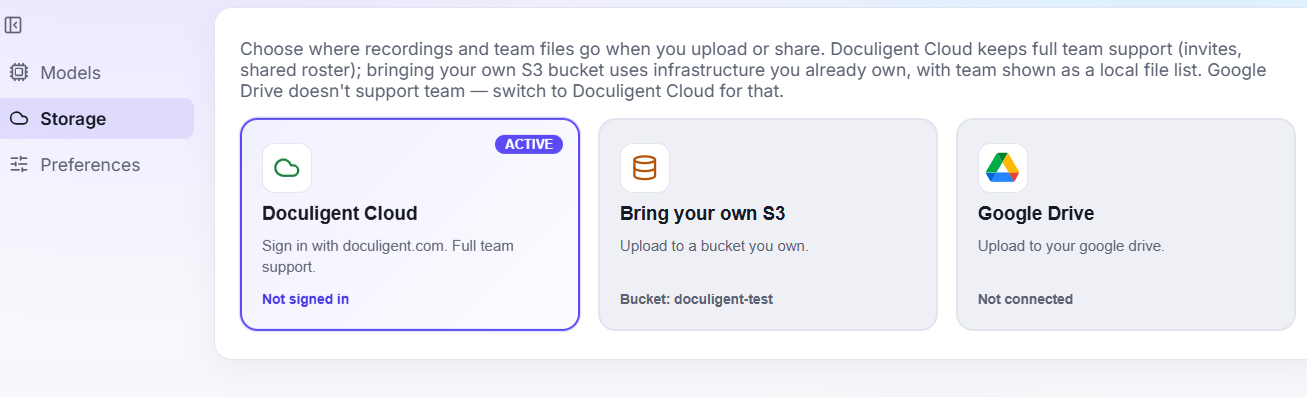
- Cap: Cap is an open-source screen recorder (Studio mode records locally) with the most flexible storage model of any tool here: Cap Cloud, your own S3 bucket, or a fully self-hosted server.
- Doculigent wins on: AI runs on-device, not behind a cloud tier
- Cap wins on: You want full control over where data lives
What is Doculigent vs Cap?
What is Cap?
Cap is an open-source screen recorder (Studio mode records locally) with the most flexible storage model of any tool here: Cap Cloud, your own S3 bucket, or a fully self-hosted server.
What is Doculigent?
Doculigent pairs local-first recording with on-device transcription, AI summaries, and chat-with-video — the AI layer runs on your machine.
Platform & openness
| Capability | Doculigent | Cap |
|---|---|---|
| Open source | AGPLv3 for most of the codebase, MIT for the capture crates. | |
| Windows | ||
| macOS | ||
| Linux | PartialSelf-hosting the server component runs on Linux; a native Linux recording client isn't clearly documented. | |
| Cloud dependency | PartialOptional — Cap Cloud, your own S3/Google Drive, or fully self-hosted, your choice. |
Feature comparison
| Capability | Doculigent | Cap |
|---|---|---|
| Screen recording | ||
| Camera overlay | ||
| Local-first recording & storage | PartialStudio mode records to disk locally; the free tier's shareable links still route through Cap's servers, and full data ownership requires self-hosting. | |
| On-device transcription | Cap AI (transcripts, titles, summaries, chapters) is a cloud-processed, Pro-tier feature. | |
| AI summaries | Plan-dependentCap AI is a Pro-tier feature. | |
| Chat with recordings | Not a Cap feature. | |
| Email sharing (transcript + summary attached) |
Frequently asked questions
Is Doculigent a free Cap alternative?
Doculigent has a free tier with screen + camera recording and local transcription and summaries — see the pricing page for current limits.
Are both Doculigent and Cap really open source?
Yes. Doculigent's code is public on GitHub, and Cap's codebase is public under AGPLv3 (with MIT-licensed capture components).
Does Doculigent require self-hosting to keep recordings private?
No — local-first storage and on-device transcription are the default in Doculigent, with no server to set up. Cap's most private configuration involves self-hosting its server component.
Does Doculigent transcribe recordings locally?
Yes — diarized transcription runs on-device, unlike Cap's cloud-processed AI suite.
Can I share Doculigent recordings the way I share a Cap link?
Yes — email the recording to another person or your team, with the transcript and summary attached.