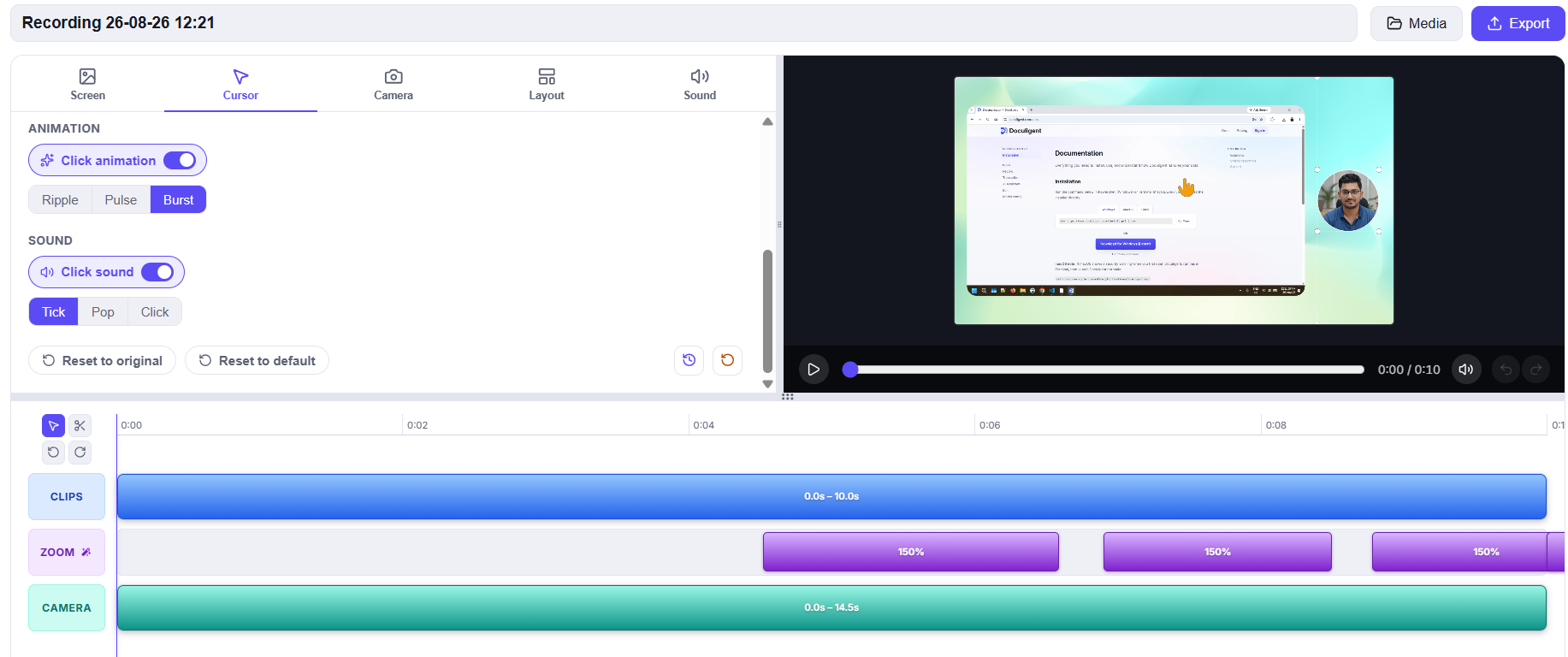
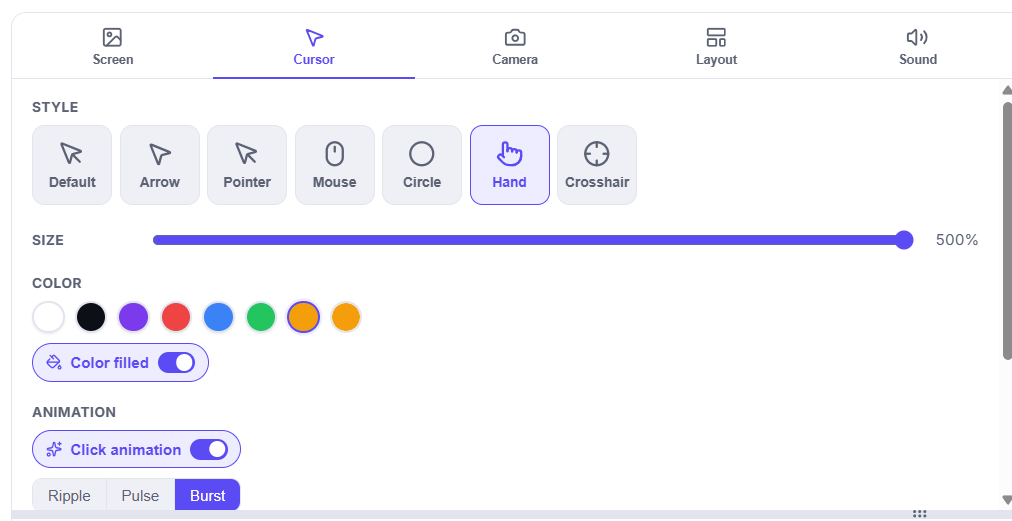
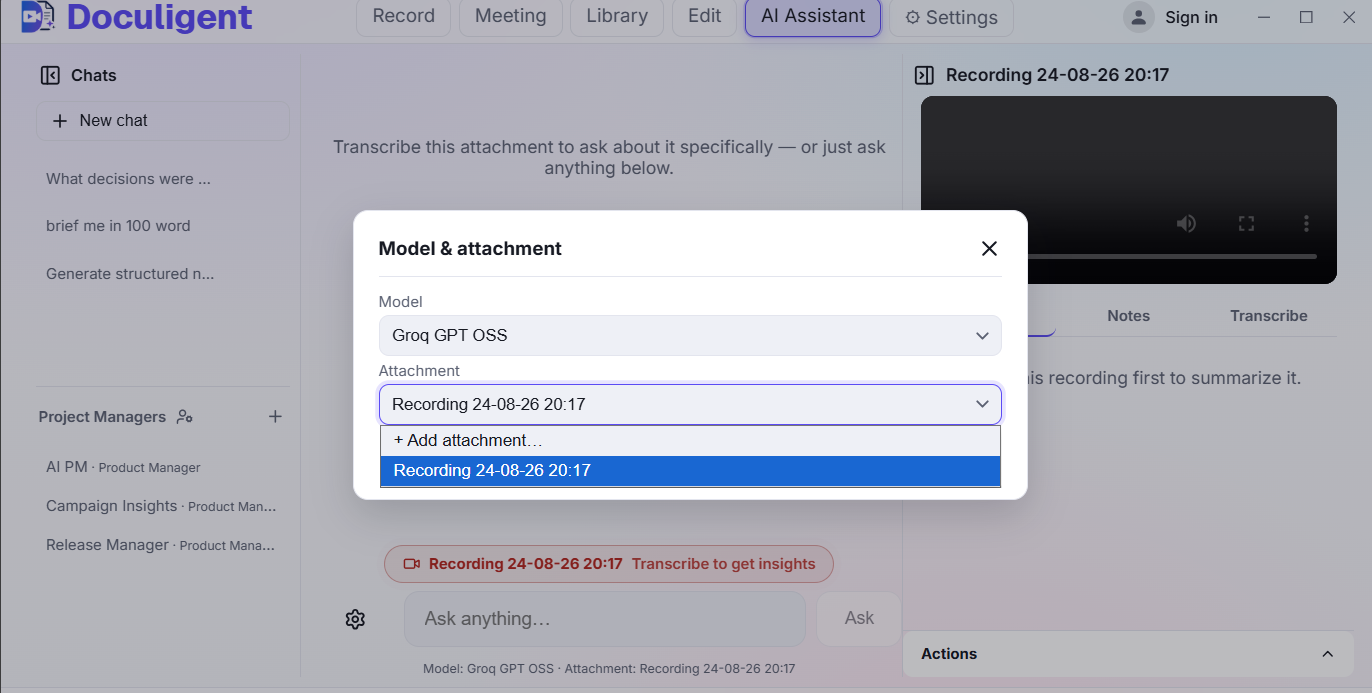
Transcription runs on-device by default. Connect a local model through Ollama or LM Studio, or bring your own OpenAI-compatible API key from Anthropic, OpenAI, OpenRouter, Grok, or any provider you already use — Doculigent doesn't charge you anything extra for using your own key.
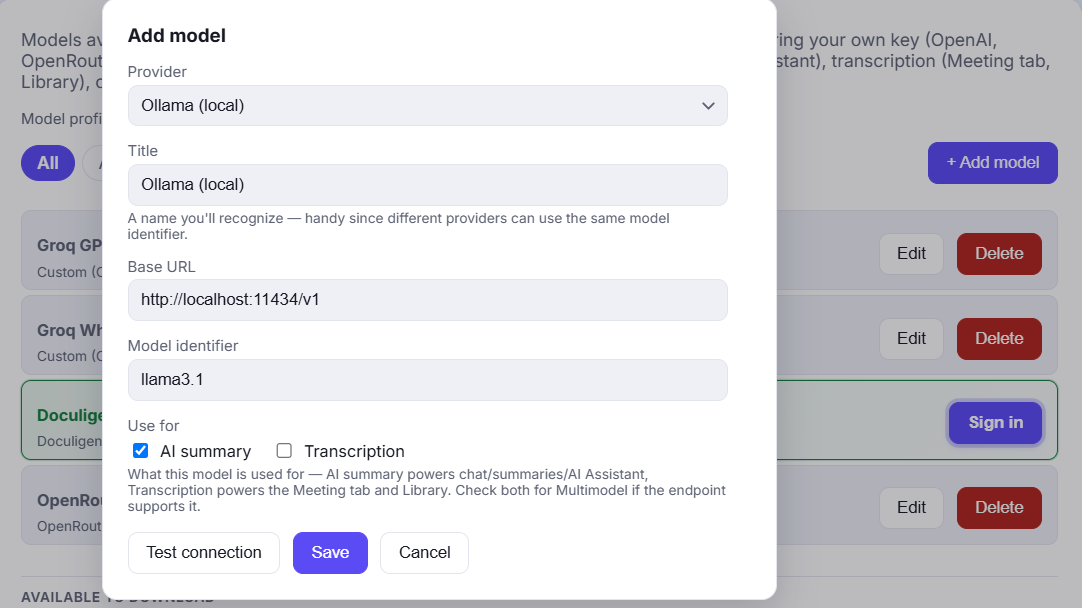
Local LLMs or your own API key — you control how the AI layer runs, and your files and chats stay on your device either way.
Related features

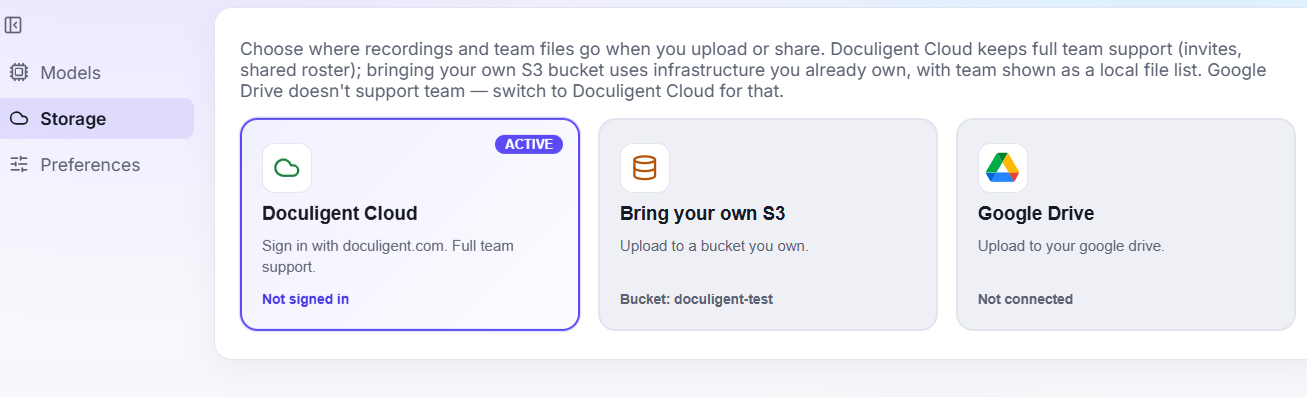
Bring your own storage
Store recordings and shared files in Doculigent Cloud, your own S3-compatible bucket, or Google Drive.

Advanced recording & editing
Record in Advanced mode to keep screen, camera, and cursor as separate editable tracks, then polish them in the Timeline Editor with auto-generated zoom, camera and cursor styling, and a one-click reset back to the original recording.
Related posts

How to customize your cursor after recording
Doculigent's Timeline Editor gives you a dedicated Cursor panel to restyle appearance and click highlights after the fact — here's how to use it.

How to chat with a video
Ask questions about anything that happened in a recording and jump straight to the moment it happened — here's how Doculigent's AI Assistant works.