Quick Recording is built for instantly sharing a bug or a demo — record, then hand off a shareable link. Advanced Recording keeps screen, camera, and cursor as separate, fully editable tracks instead of flattening them, so you can polish the take afterward in the Timeline Editor. Export at 4K or 1080p, 24fps or 60fps — whatever resolution and frame rate the footage calls for.
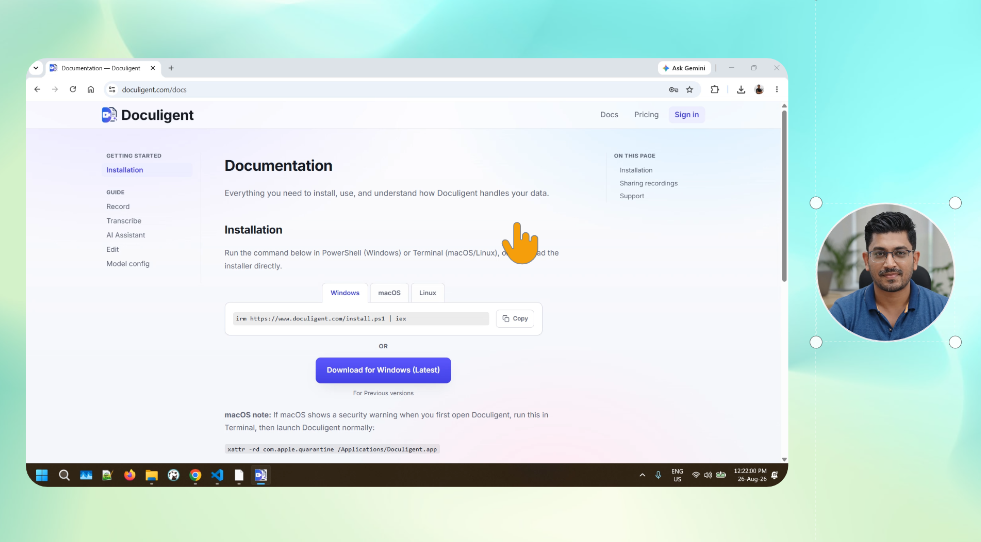
Record your screen with a camera overlay, in one pass, at full resolution.
Related features
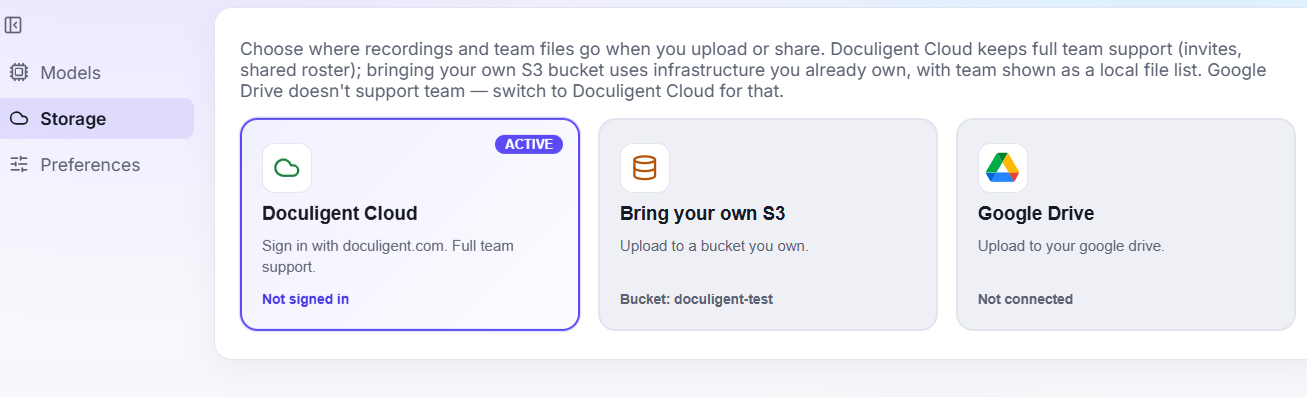
Share using S3
Store recordings and shared files in your own S3-compatible bucket, connected from a rebuilt Storage settings screen.
Share using Google Drive
Connect Google Drive directly and use it as a storage destination for recordings and shared files, alongside Doculigent Cloud and your own S3 bucket.
Related posts
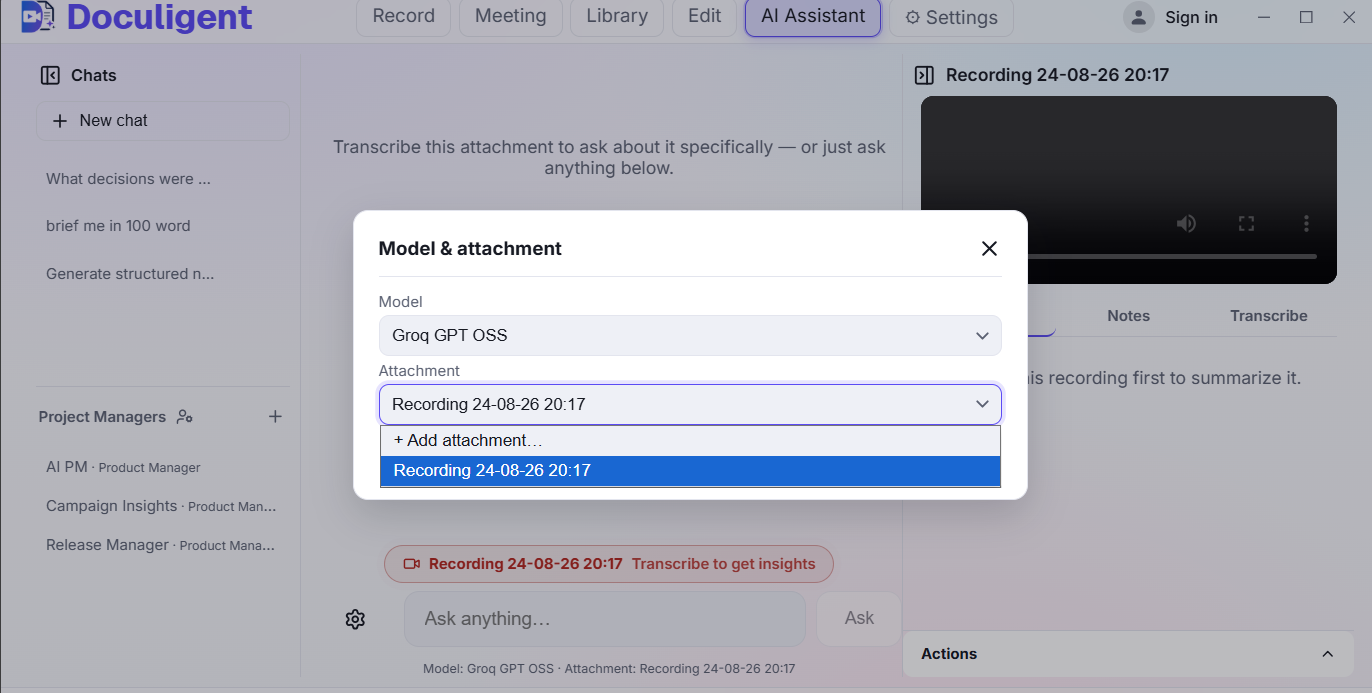
How to chat with a video
Ask questions about anything that happened in a recording and jump straight to the moment it happened — here's how Doculigent's AI Assistant works.
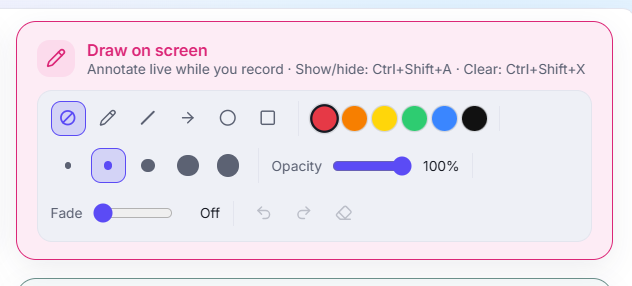
How to annotate or draw on screen while recording
Doculigent lets you mark up your screen live — circle a chart, drop an arrow, highlight a line — without pausing or leaving the recording. Here's how it works.